

Complete Guide to Using Rakuten RMS: Basic Operations and UI Navigation New Representatives Should Learn First
The very first wall that a store operator who has just listed on Rakuten Ichiba or someone who is newly assigned as an EC representative faces is the operation of "RMS (Rakuten Merchant Server)" which serves as the management screen. Because it is highly multifunctional, we often hear "I don't know what is where." In this article, we systematically explain basic usages of Rakuten RMS, how to view UI efficiently, and its four primary functions. By reading this article, the foundation required to smoothly advance daily operation business is set in place.
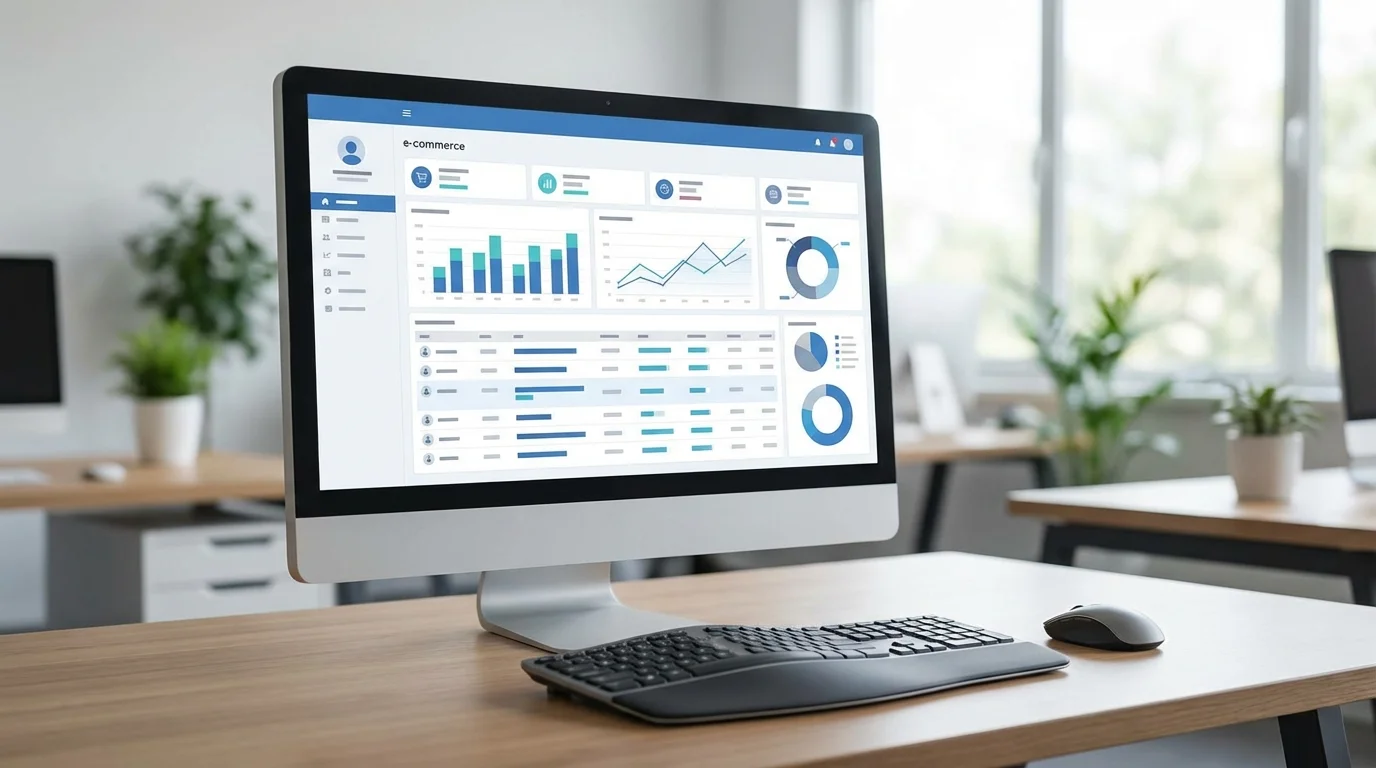
Table of Contents (Click to Expand)
1. What is Rakuten RMS? Understanding the "Cockpit" of Store Operations
RMS (Rakuten Merchant Server) is a fullly comprehensive management system used by stores setting up shop on Rakuten Ichiba. Ranging from product registration, order processing, and page designing, to further extending to access analysis and operations on advertisements, all primary functions necessary to run a store are consolidated into this one system.
What a new representative should first familiarize themselves with is the "Global Navigation (often known as G Navi)" lined up at the top portion of the screen. Access is made from here into the menus that meet your goals. Because RMS remains quite widely expansive of an entire system, the functions used on a daily operational level are limited; therefore, what's initially important is grasping its entire conceptual structure in a MECE form (Mutually Exclusive and Collectively Exhaustive).
2. Composition of the Main Menu "G Navi" and Its 4 Major Functions
Generally speaking, the RMS UI consists of 4 wide-sweeping pillars below. We memorize these as the "4 Main Features of Store Operations."
- Store Settings: Product registration, category management, and R-Cabinet (image management).R-Cabinet
- Order Management: Order confirmation, thank-you email dispatch, shipping processing—the core of customer service.
- Data Analysis: Review performance metrics such as sales, average transaction value, and conversion rate (CVR).CVR
- Advertising & Reservations: RPPManage RPP ad operations and promotional settings such as coupon issuance.

3. Basic Flow of Order and Product Management
Routine operations carried out daily consist of "Order Management" and "Product Registration." For Order Management in particular, this is managed structurally through a proprietary format known as Rakuten "R-Backoffice." When an order initiates, the first status entered is "New Processing" where after payment verification it proceeds further into "Pending Shipment."
Within Product Registration, entering "Product Names" alongside their "Catchcopies" that directly link seamlessly alongside search SEO remains the top prioritized goal. Furthermore, today for Rakuten Ichiba where viewers via smartphone access exceed over 80 percent, maximizing PC pages alongside equivalent optimization over "Smartphone Detailed Item Spec Explanations" is a requirement that remains unavoidable.
4. Data Visualization: Important Metrics to Watch in RMS
Inside the RMS "Data Analysis" menus, health metrics associated dynamically around the shop itself may be reviewed real-time. Especially with "Store Dashboards (Store Medical Records)" since divergence across yearly previous comparison marks and their goals map themselves out visually; these present interfaces worthy of review on a daily check-up rhythm.
Just like the above-linked graph, wide sets of resourcing allocation focus initial efforts heavily mostly upon Order Management and its respective Product Registration; however, alongside gathering more experience, placing a heavier scaling weight regarding the formulation of Improvement Models (PDCA) formed strictly upon "Data Analytics" acts directly across as a faster process towards up-scaling raw sales profits.

Frequently Asked Questions
- Q. RMSI forgot my RMS login password.
- A. Password reissue is available from the 'Forgot Password' option on the login screen. For security, we recommend regular updates and using a password management tool.
- Q. Can I operate RMS from a smartphone?
- A. Yes, by using the official 'RMS App' provided by Rakuten, you can check orders, update inventory, and send simple replies from your smartphone. However, detailed page design and CSV bulk updates require a PC environment.RMSCSVPC
- Q. R-CabinetIs there a limit on image capacity for R-Cabinet uploads?
- A. Each basic plan has a total capacity limit, but it can be expanded via options as needed. Also, note the per-image size limit (typically under 2MB) and upload images optimized for web.12MBWeb
Take Your EC Business to the Next Stage
You've fully understood how to use your RMS, however aren't quite ready to fully deploy structural designs focused specifically towards generating uptrend sales strategies. Might these problems present trouble? Specialists in Rakuten Operations may step inside offering complete business diagnoses freely, recommending optimized Growth Strategies specific simply around your unique needs.
Consult on Strategy for FreeSummary
Rakuten RMS Usage instructions normally begin exactly simply by firmly understanding its four main central pillars positioned structurally on the "G Navi" menu following MECE logic concepts. Order Management, Product Registration, Data Analysis, and then additionally specific promotion setups. From structuring these correctly alongside setting out clear-cut priorities building routine habits daily around them, representations made fresh over EC operation levels aren't forced down wandering path roads losing direction within actual operating procedures. Solidifying foundations securely starting deeply solely within reliable order processing measures provides a base towards steadily raising operational levels across scaling up revolving heavily utilizing PDCA cyclical systems dependent natively around active Data Analytics as the main fuel driving accelerated shop growth.
Published: Feb 13, 2026

Read Also



References
- [1] Rakuten Group, Inc. 'RMS Store Operations Navi' Official Manual
- [2] Rakuten Ichiba 'Store Opening Guide' System & Feature Details