

【How to Create a New Amazon Listing: The Complete MECE Guide for Beginners to Monetize Fastest】
In Amazon business expansion, the most important first step is the "new listing" process. However, simply registering a product won't cut it—it will get buried among the massive catalog, pushing the path to monetization further away. This article explains the essence of how to create a new Amazon listing, from obtaining a GS1 business code to specific Seller Central operations, and logical strategies for maximizing sales in the shortest time, all in a MECE framework. Use this as a practical checklist whether you're a new graduate EC manager or a sole proprietor.

Table of Contents (Click to Expand)
1. Overview of Amazon New Listings and Preparation
When selling products on Amazon, there are two types: "listing" on existing catalogs and "new listing" to register new products like your own brand. Mastering how to create a new Amazon listing is essential for avoiding price competition and building your brand.
The first thing to prepare is a "GS1 Business Code (JAN code)." Amazon requires a product code (GTIN), without which you cannot issue a new ASIN. Additionally, by registering your brand, you gain access to Sponsored Brand ads and A+ Content (Enhanced Brand Content), which can significantly improve your conversion rate (CVR).
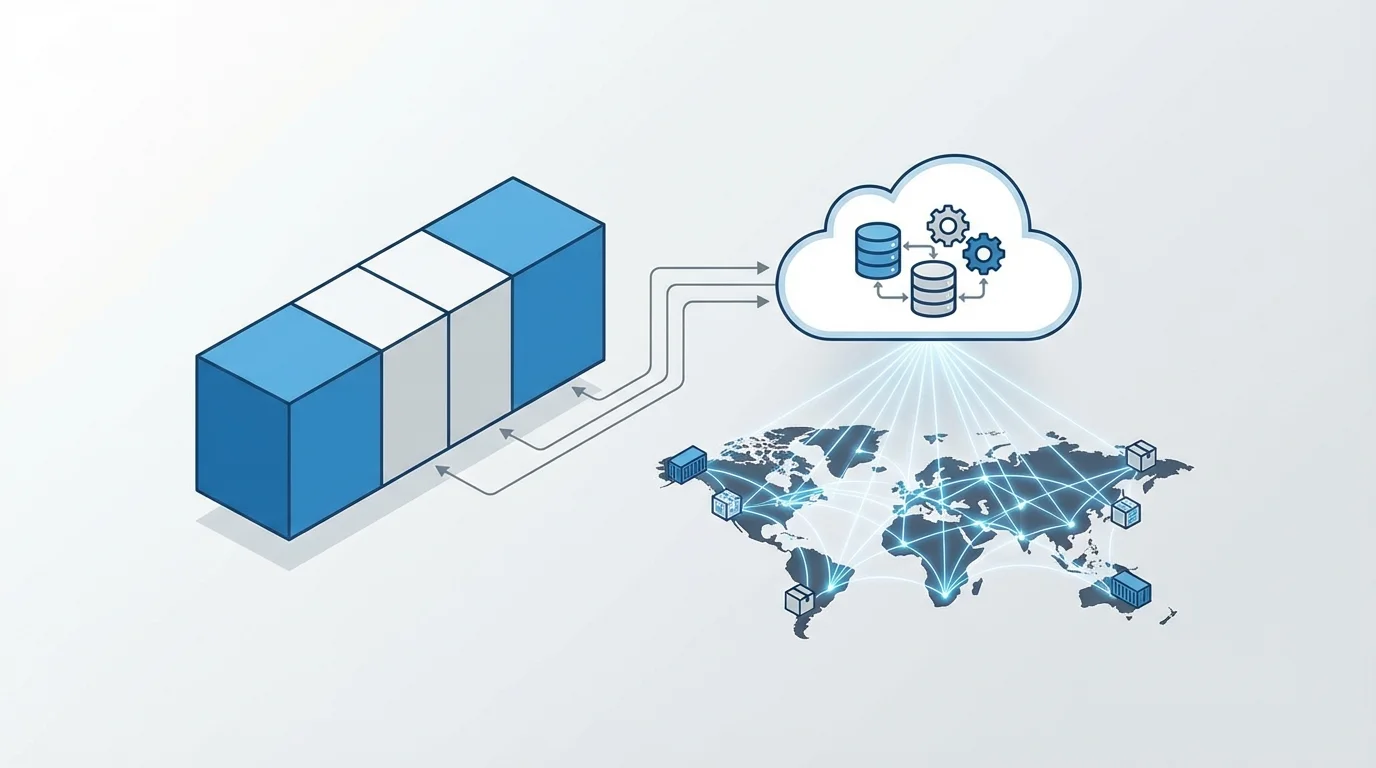
2. Specific Registration Steps in Seller Central
Once prepared, log into Seller Central and select "Add a product that is not sold on Amazon" from "Add Products." You need to fill in the following elements in a MECE manner:
- Product Title: Place search keywords on the left to improve visibility across devices.
- SKU: Create a naming convention that includes purchase date and category for easy inventory management.
- Product Description and Bullet Points: Emphasize user benefits and address concerns.
Particularly important is the "Browse Node" selection. Without proper category placement, rankings won't reflect properly, and SEO effectiveness drops dramatically.
Chart: Comparison of Average CVR With and Without FBA (Based on Our Client Support Data)
3. Accelerating Monetization with FBA and SEO Optimization
Immediately after a new listing, your Amazon track record (Sales Rank) is zero. To monetize fastest, utilizing FBA (Fulfillment by Amazon) is the standard approach. FBA grants the Prime badge, improves delivery speed and reliability, and dramatically improves Buy Box win rate.
For Amazon SEO (A10 algorithm) optimization, backend search keyword settings are also important. Enter related phrases that couldn't fit in the title within 249 bytes to capture long-tail traffic.

4. KPIs and Data Analysis to Monitor After Listing
Listing is the start, not the goal. Use Seller Central's "Business Reports" to monitor the following KPIs on a weekly basis:
- Sessions: If traffic is insufficient, consider advertising (Sponsored Products).
- Unit Session Percentage (CVR): If conversion rate is low, improve images and product content.
- Order Defect Rate: An indicator of CS response and quality management.
Logically analyzing this data and continuously running PDCA cycles leads to sustained success in the Amazon business.
Frequently Asked Questions
- Q. Can I list a new product even without a JAN code?
- A. Yes, it is possible by submitting a 'product code exemption request.' However, considering brand credibility and future multi-channel expansion, obtaining a GS1 company code is recommended.
- Q. My newly listed product is not appearing in search results.
- A. Indexing may take time immediately after registration. If the product still does not appear after 24 hours, please review your browse node settings and keyword configurations.
Take Your EC Business to the Next Stage
From strategic planning to operations management of Amazon new listings, our specialized consultants provide thorough support.
Get Free Strategy ConsultationSummary
Correctly understanding and executing how to create a new Amazon listing is the first step to establishing your brand on this massive platform. GS1 code preparation, precise product registration, FBA utilization, effective SEO, and data-driven improvement—executing this cycle in a MECE manner enables even beginners to achieve monetization in the shortest distance. Start by opening Seller Central and following this guide step by step.
Published: 2026-03-13
Author: Yuta Ito

Related Articles



You May Also Like
References
- [1] Amazon Seller Central Help: Product Listing Guidelines
- [2] GS1 Japan: How to Register for a Business Prefix