
Rakuten RMS Usage Complete Guide: Basic Operations and UI Views New Managers Should Learn First
The first wall that store operators who have just opened on Rakuten Ichiba or newly appointed EC managers face is the operation of the management screen 'RMS (Rakuten Merchant Server)'. Because it is multifunctional, there are many voices saying 'I don't know where anything is'. In this article, we systematically explain from the basic usage of Rakuten RMS to efficient UI viewing and 4 major functions. By reading this article, the foundation for smoothly proceeding with daily operation tasks will be established.
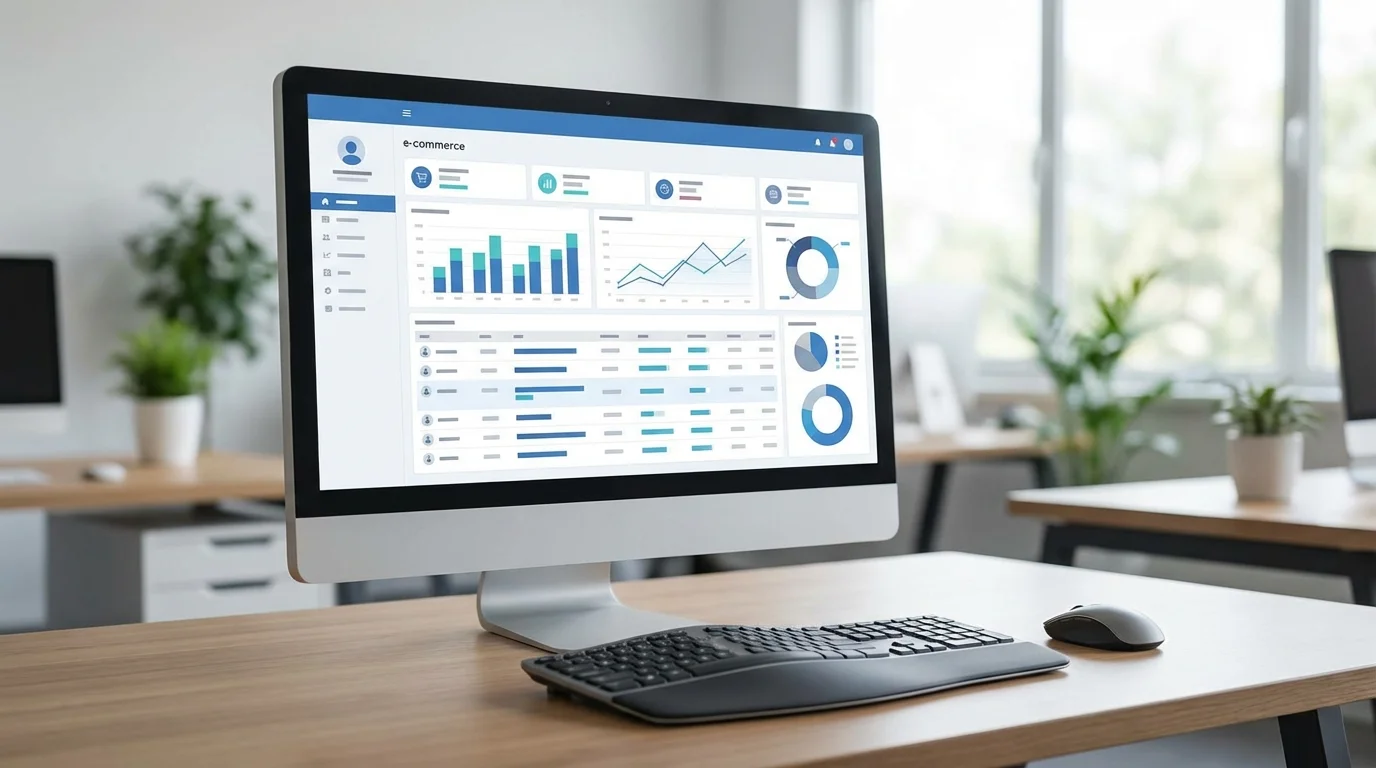
Table of Contents
1. What is Rakuten RMS? Understanding the "Cockpit" of Store Operation
RMS (Rakuten Merchant Server) is a comprehensive management system used by stores operating on Rakuten Ichiba. From product registration, order processing, page design, to access analysis and ad operation, all functions necessary for store operation are consolidated in this one system.
What new managers should learn first is the 'Global Navigation (Commonly known as: G-Navi)' lined up at the top of the screen. Access menus according to each purpose from here. RMS is a very extensive system, but functions used daily are limited, so it is important to first grasp the whole picture in a MECE (mutually exclusive, collectively exhaustive) manner.
2. Structure of Main Menu "G-Navi" and 4 Major Functions
RMS UI is largely composed of the following 4 pillars. Let's remember these as the '4 Major Elements of Store Operation'.
- Store Setting: Perform Product Registration, category management, and R-Cabinet (image management).
- Order Management: Core of customer support such as order confirmation, sending thank you emails, and shipping processing.
- Data Analysis: Check performance such as sales, average customer spend, and conversion rate (CVR).
- Ads/Reservation: Configure promotions such as RPP ad operation and coupon issuance.

3. Basic Flow of Order and Product Management
Daily routine work becomes 'Order Management' and 'Product Registration'. Especially order management is done through Rakuten's unique mechanism called 'R-Backoffice'. When an order comes in, it first enters 'New Reception' status, and after payment approval, it transitions to 'Waiting for Shipment'.
In product registration, inputting 'Product Name' and 'Catch Copy' which are directly linked to Search SEO is the top priority. Also, in the current Rakuten Ichiba where smartphone viewing exceeds 80%, optimization of 'Smartphone Product Description' as well as PC pages is indispensable.
4. Visualization of Data: Important Indicators to See in RMS
In the 'Data Analysis' menu within RMS, you can grasp the health condition of the store in real-time. Especially 'Store Chart' visually shows the deviation from the previous year and target values, so it is a screen that should be checked every day.
As shown in the graph above, in the early stages of operation, many resources will be allocated to order management and product registration, but as you get used to it, increasing the weight of improvement (PDCA) based on 'Data Analysis' becomes the shortcut to sales expansion.

FAQ
- Q. I forgot my RMS login password.
- A. Password reissue is possible from 'Forgot Password' on the login screen. For security, regular updates and using a password manager are recommended.
- Q. Can I operate RMS from a smartphone?
- A. By using the 'RMS Official App' provided by Rakuten, you can check orders, change inventory, and reply to messages from a smartphone. Detailed page design and bulk CSV updates require a PC.
- Q. Is there a limit to image capacity uploaded to R-Cabinet?
- A. There is a total capacity limit per basic plan, but it can be expanded with options. Also, be aware of the size limit per image (usually under 2MB) and upload images optimized for the Web.
Take Your EC Business to the Next Stage
I understand how to use RMS, but I can't formulate specific sales increase strategies. Do you have such worries? Rakuten operation specialists will diagnose your store situation for free and propose the optimal growth strategy.
Consult for Free StrategySummary
Rakuten RMS usage starts with grasping the 4 major functions of 'G-Navi' in MECE. Order management, product registration, data analysis, and promotion settings. By systematically organizing these and prioritizing to build daily routines, even new managers can perform store operations without getting lost. First, base on reliable order processing, and gradually accelerate store growth by rotating PDCA cycles based on data analysis.
Published: February 13, 2026 / Author: RISA WATANABE
Related Articles



References
- [1] Rakuten Group, Inc. 'RMS Store Operation Navi' Official Manual
- [2] Rakuten Ichiba 'Opening Guide' System/Function Detail Materials